Blogging platform features, and the ones we left out
A clean editor, eighty-four themes, your own domain, a terminal client, an API, feeds in three formats. Here's the whole tour.
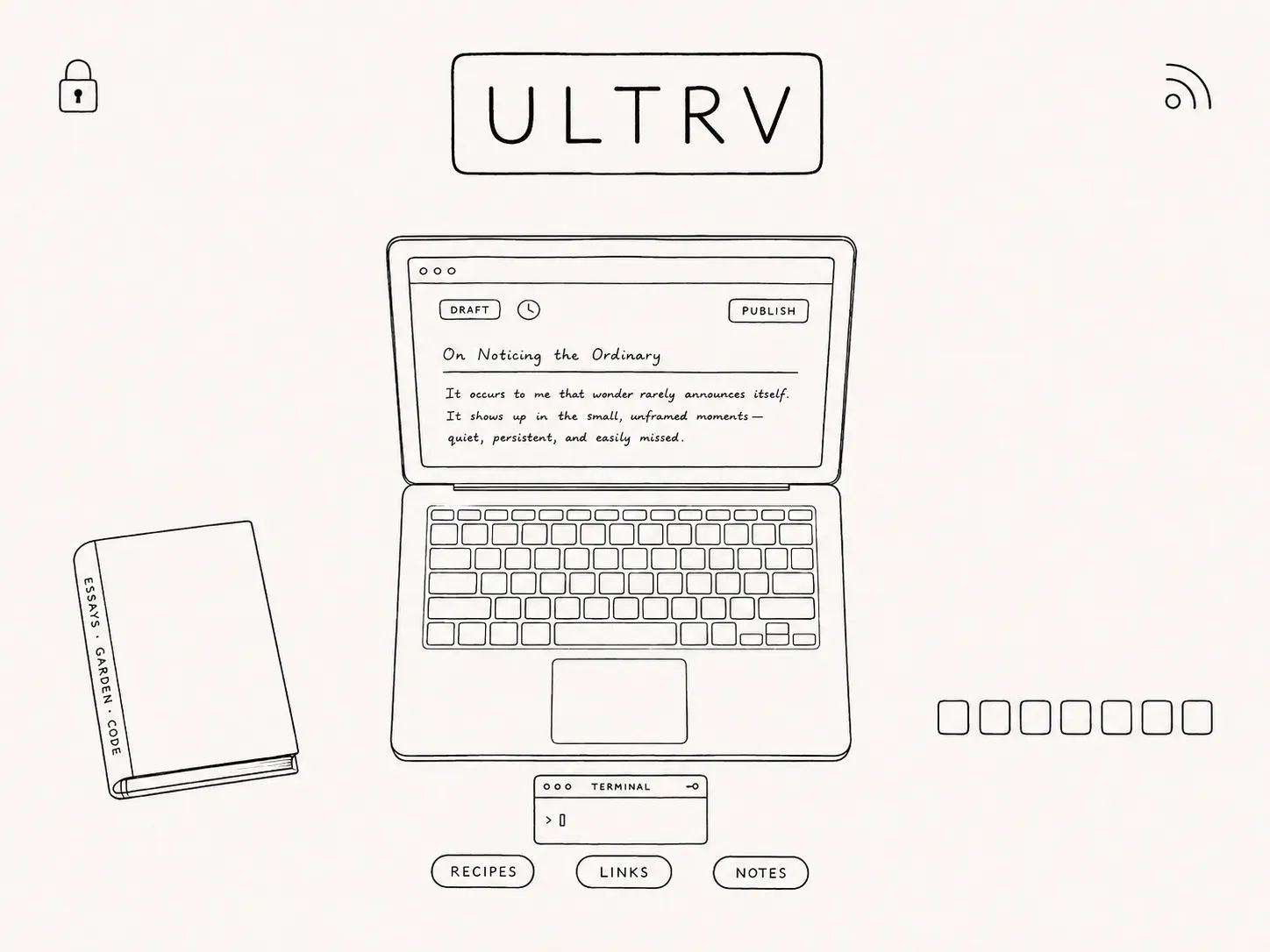
Everything below is included on every account. Custom domains are not an upgrade, themes are not a marketplace, and feeds are not a plugin — see what the paid plan actually adds if you want the short version first.
If you are weighing ULTRV against something else, the platform comparisons are more useful than a feature list, and blogs already running on ULTRV are more useful than either. For why the whole thing is shaped this way, there is a longer piece on the small web.
Want a second opinion?
Ask AI about ULTRV.
Opens with product context and a link to this page.
View or copy the prompt
Writing
The part you actually spend your time in.
-
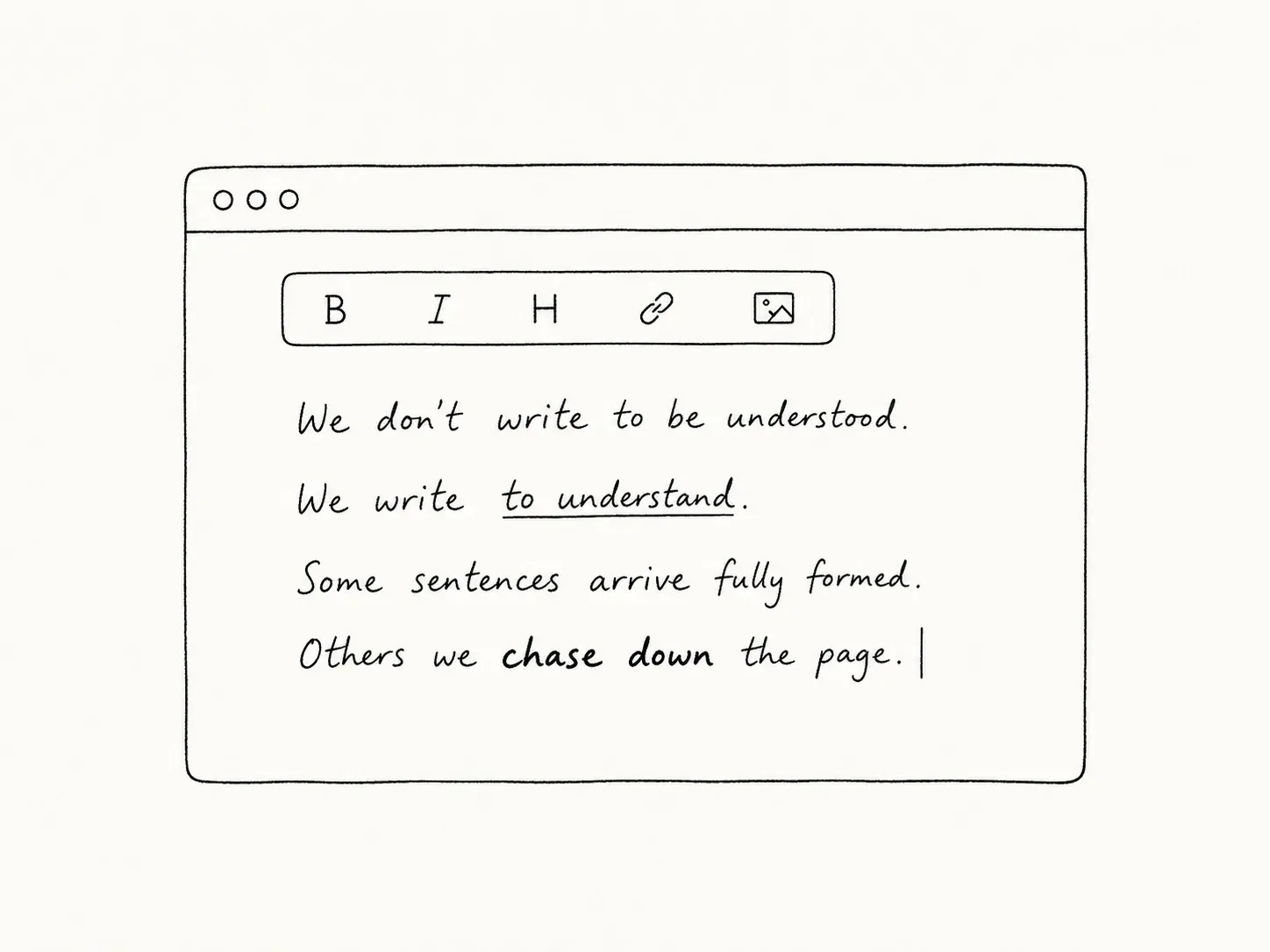
Rich text editor
A clean, distraction-free writing experience. Formatting, links, images, code blocks — toggle to source view anytime. Writing and formatting posts → -
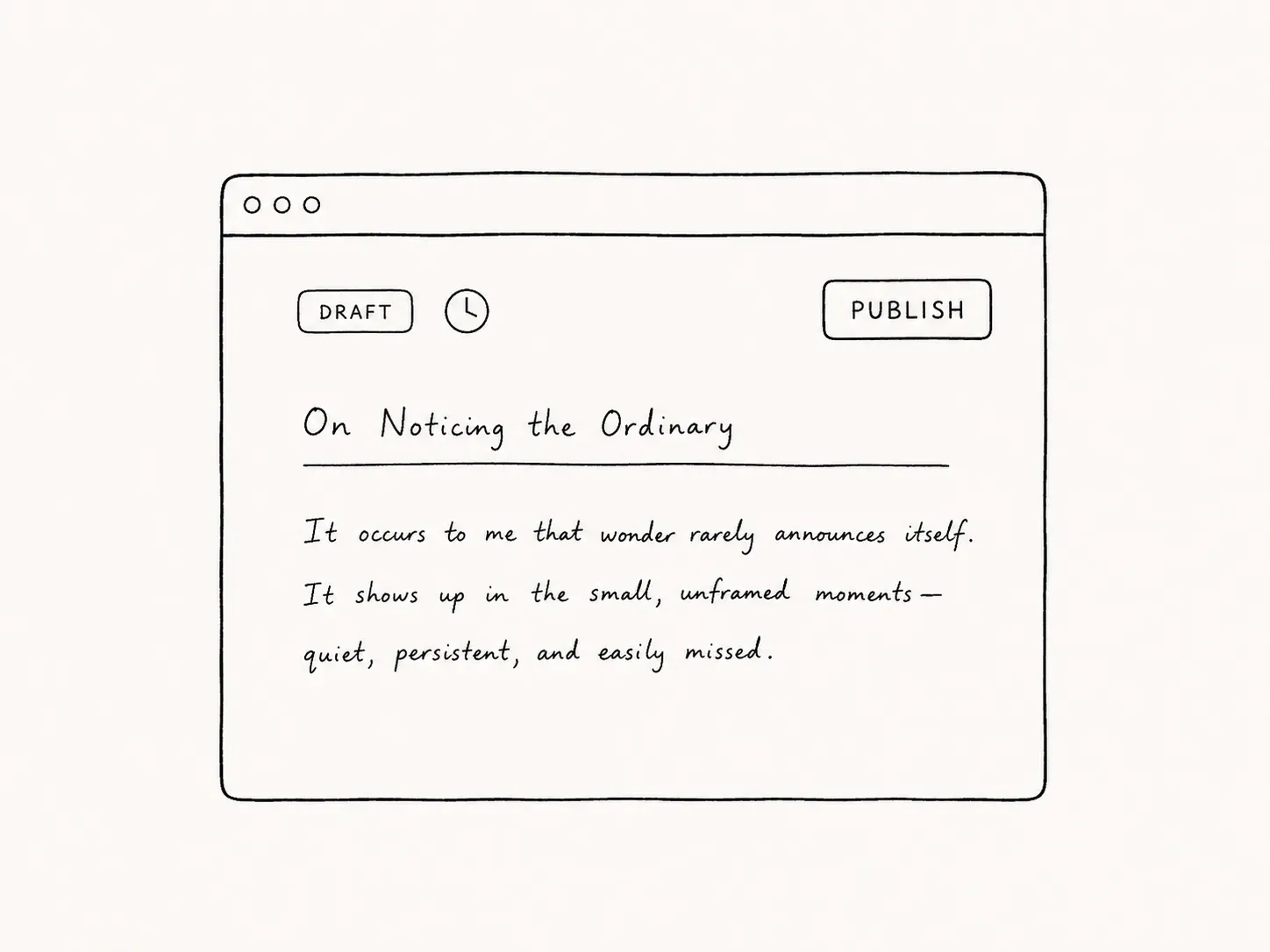
Drafts & publishing
Save drafts, publish when ready, unpublish anytime. You're always in control of what's live. -

More than posts
Typed pages with their own URLs. Photo albums, recipe collections, bookshelves, guestbooks, now pages — the things your blog actually needs. -
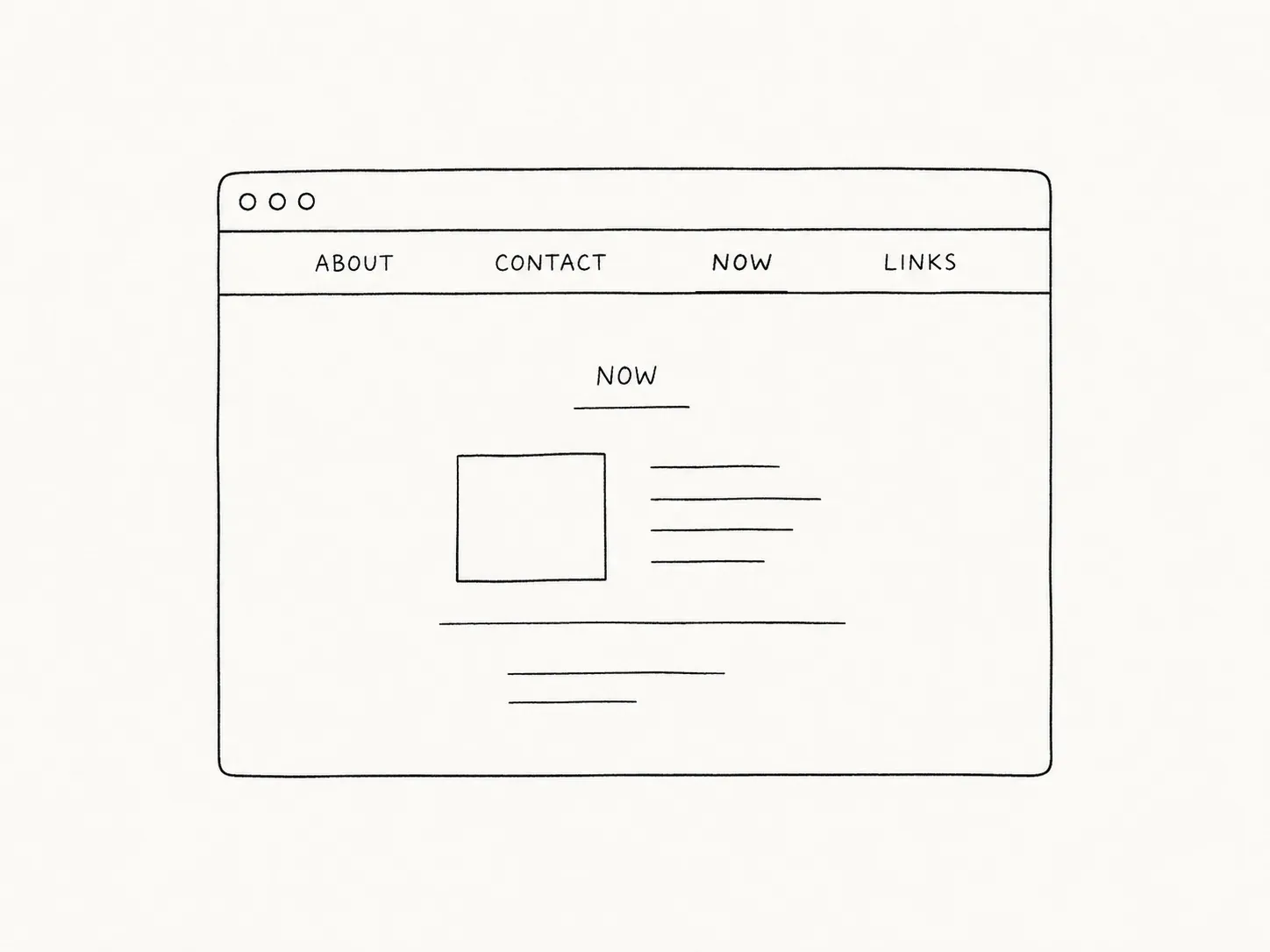
Static pages
Standalone pages for About, Contact, anything else. Reorder by drag-and-drop. Appear in nav automatically. Pages and navigation → -
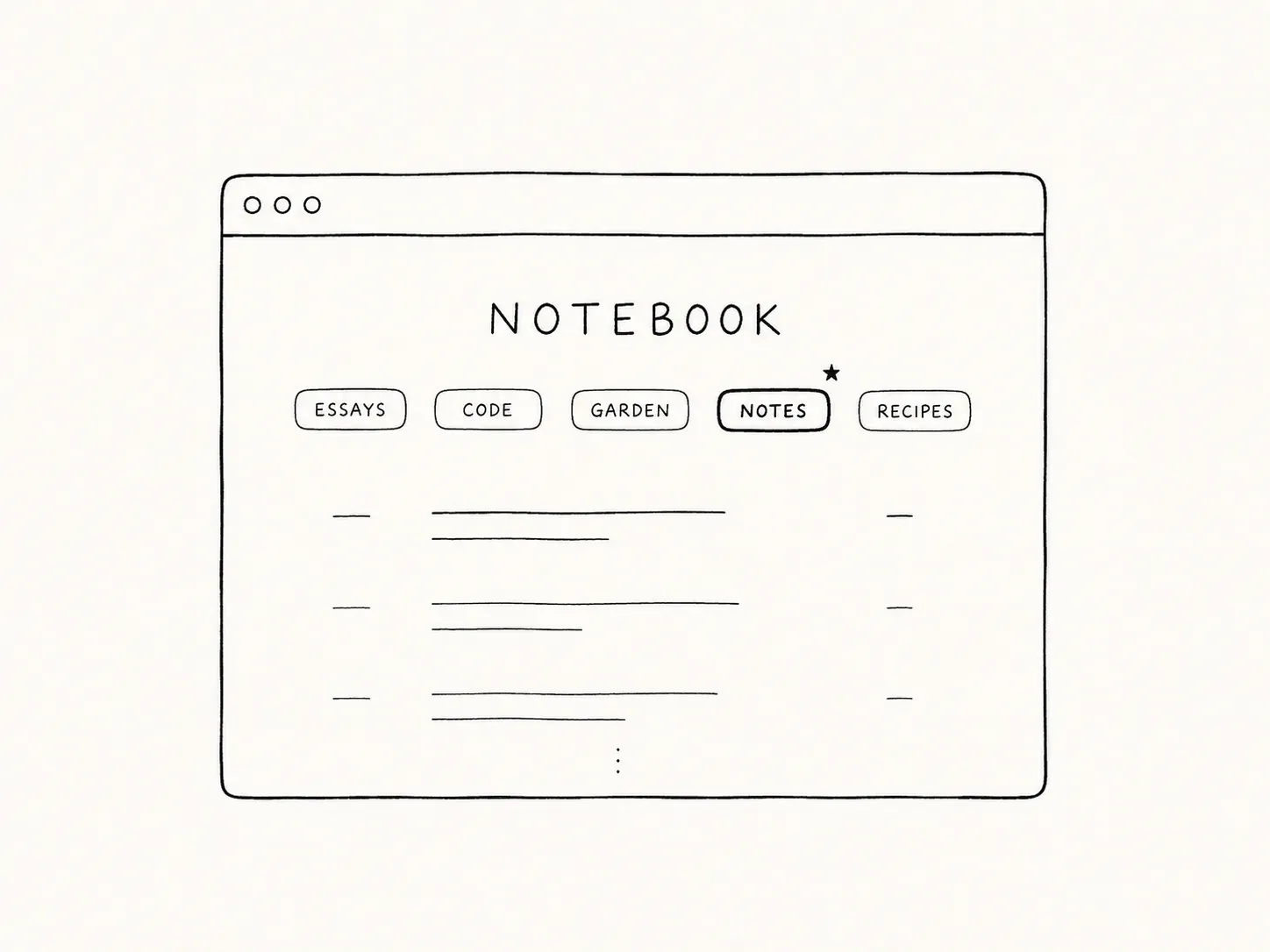
Tags & featured nav
Organize posts with tags. Pin your most important ones to the header so readers find what they're looking for.
Publishing & domains
Where your writing lives, and what it looks like when it gets there.
-

Custom domains
Point a CNAME or A record at your blog. SSL is provisioned automatically. Or just use a free .ultrv.blog subdomain. Connecting a custom domain → -
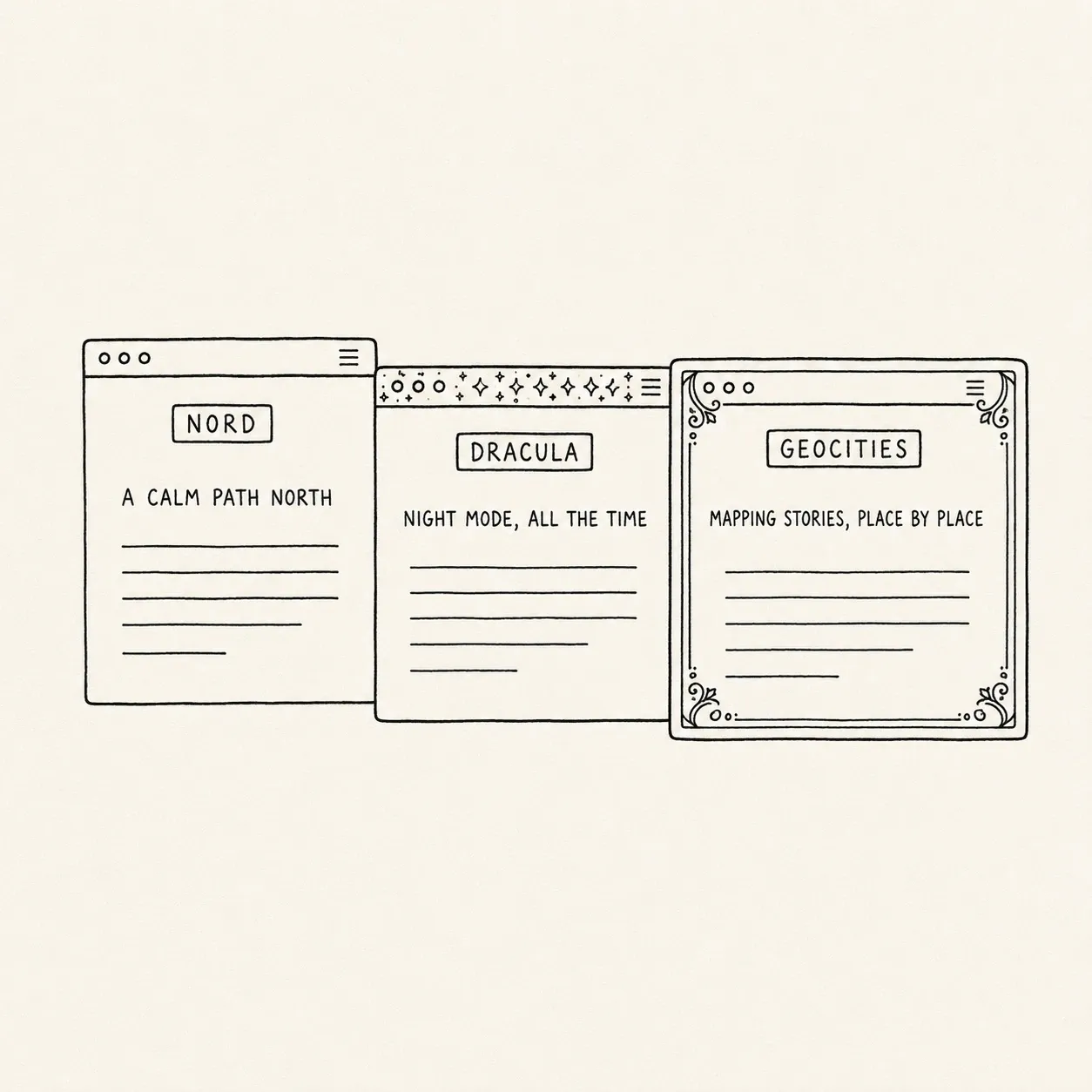
Eighty-four themes
Clean minimalist layouts, warm earthy tones, dark editor themes, retro nostalgia, print and graphic-design movements. Preview any theme live before applying. Browse the theme gallery → -
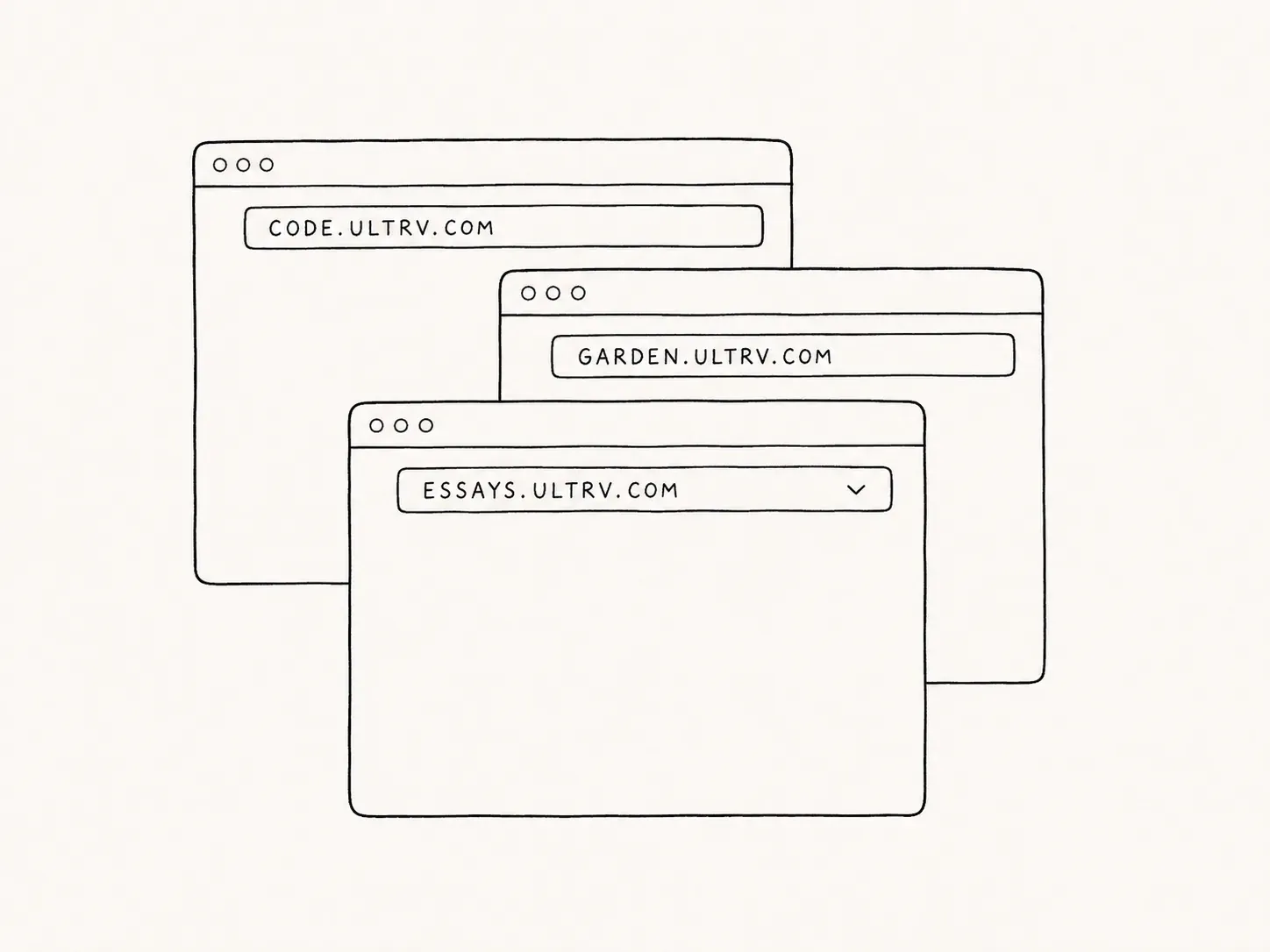
Multiple blogs
Run multiple blogs from one account. Each gets its own subdomain, theme, settings, posts, and pages. -
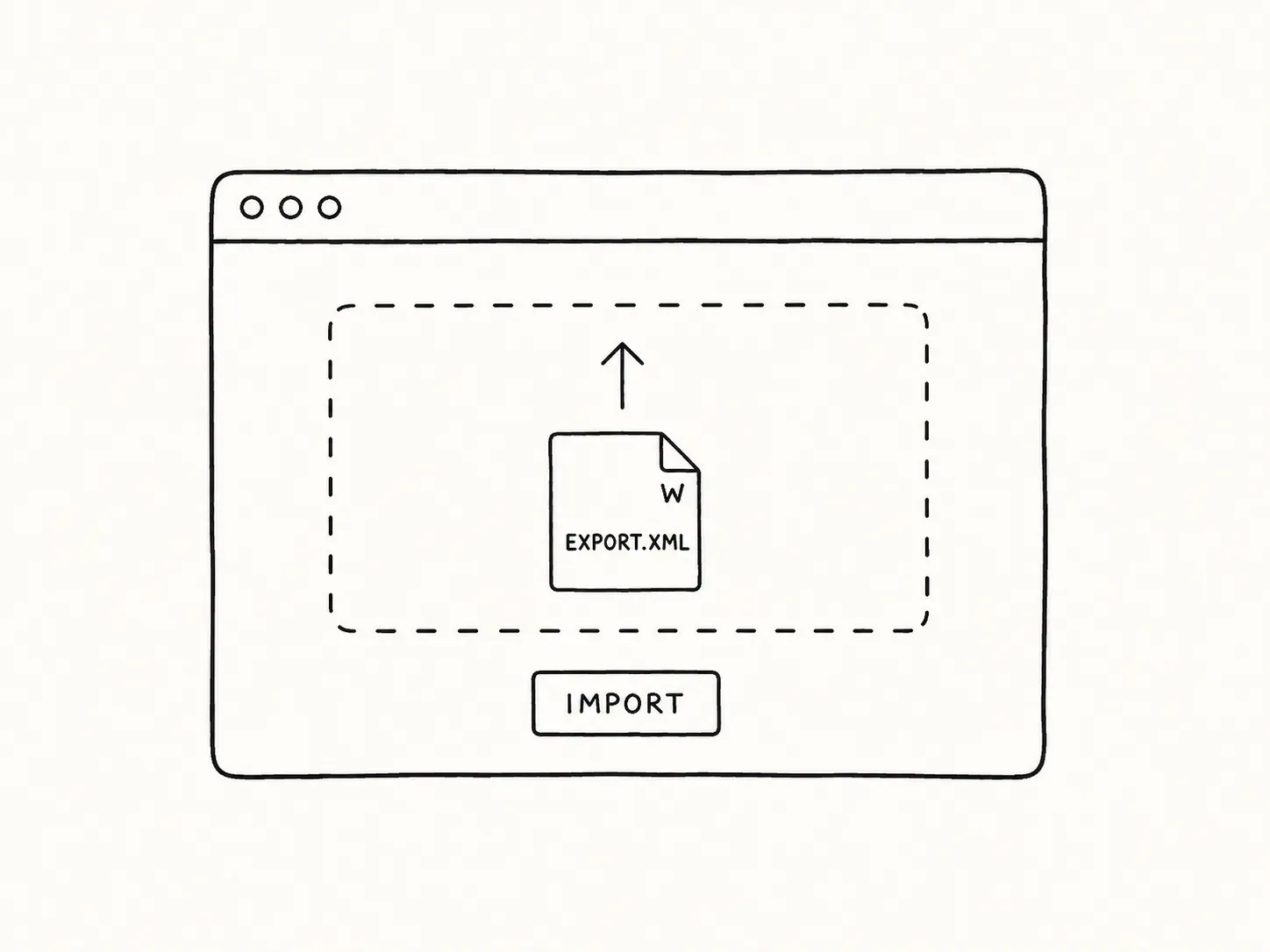
Import from anywhere
Move in from WordPress, Substack, Ghost, Medium, or bulk Markdown. Pull straight from a live site over the API, or upload an export. Re-runs don’t duplicate content, and one click rolls any import back. Import guides for each platform →
Feeds, API & terminal
The ways in and out that do not involve a browser tab.
-
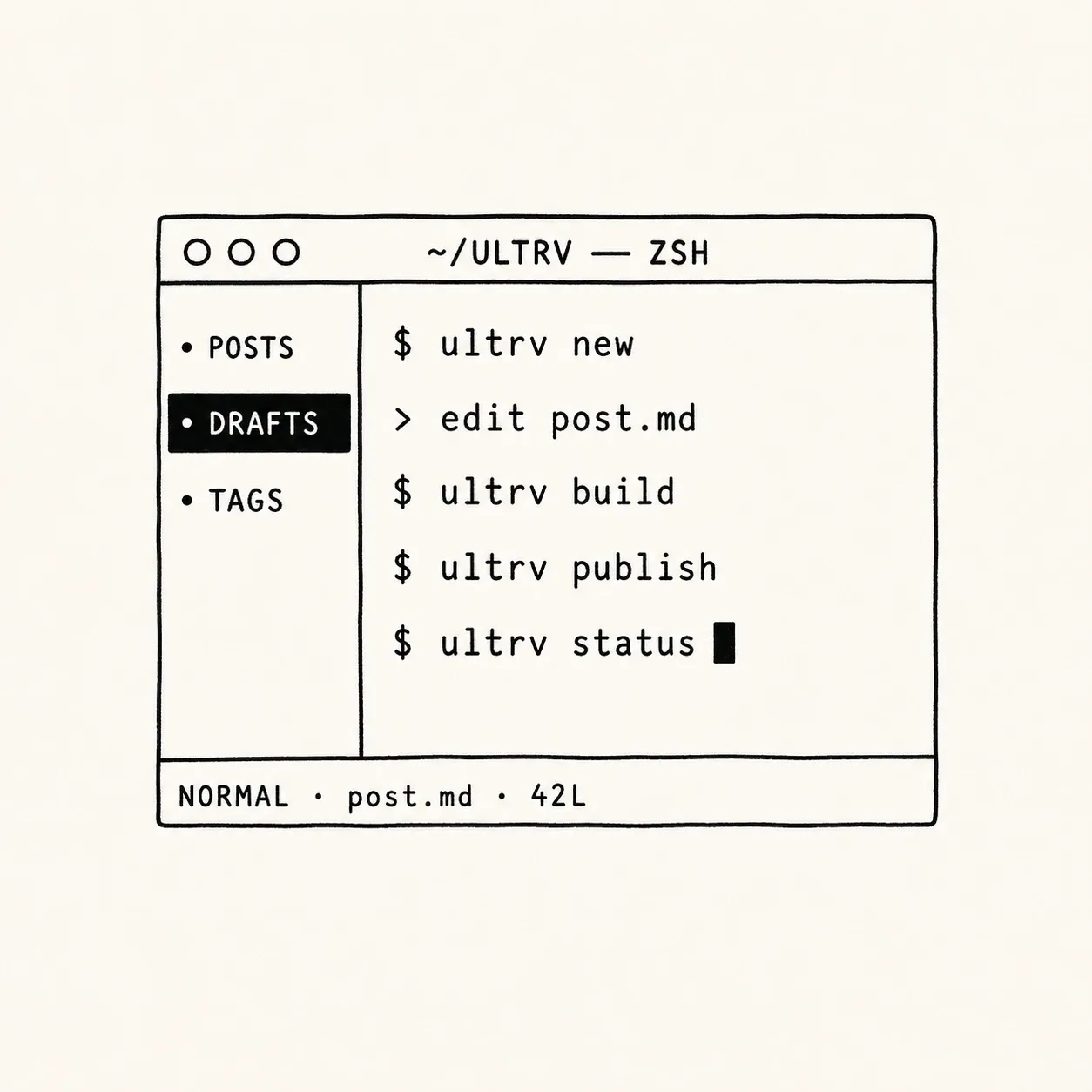
Terminal client
A full TUI built with Ratatui. Write, publish, manage tags, view statistics — all without leaving the shell. See the terminal client → -
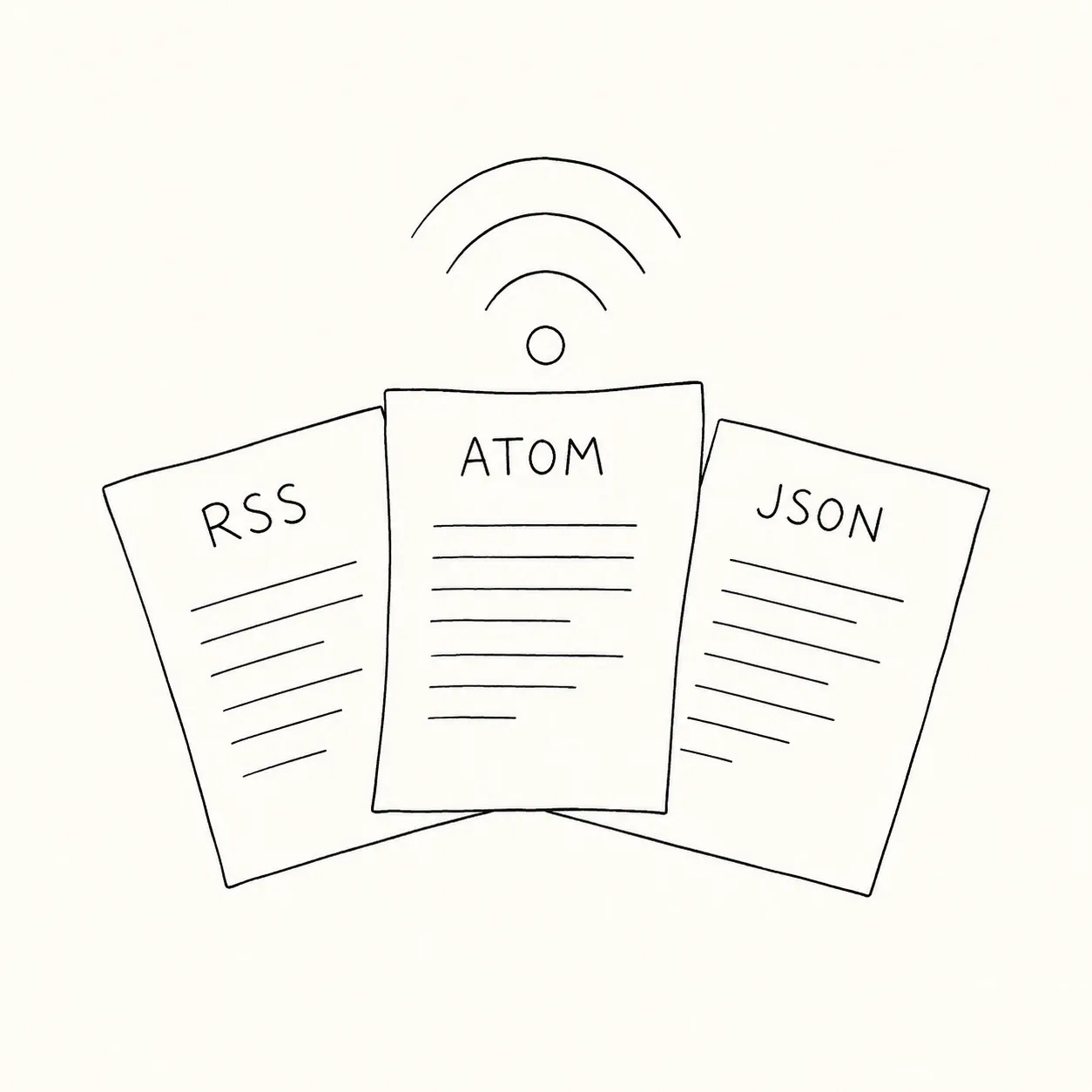
RSS, Atom, JSON
All three feed formats with auto-discovery and per-tag feeds. No plugins. How feeds work → -
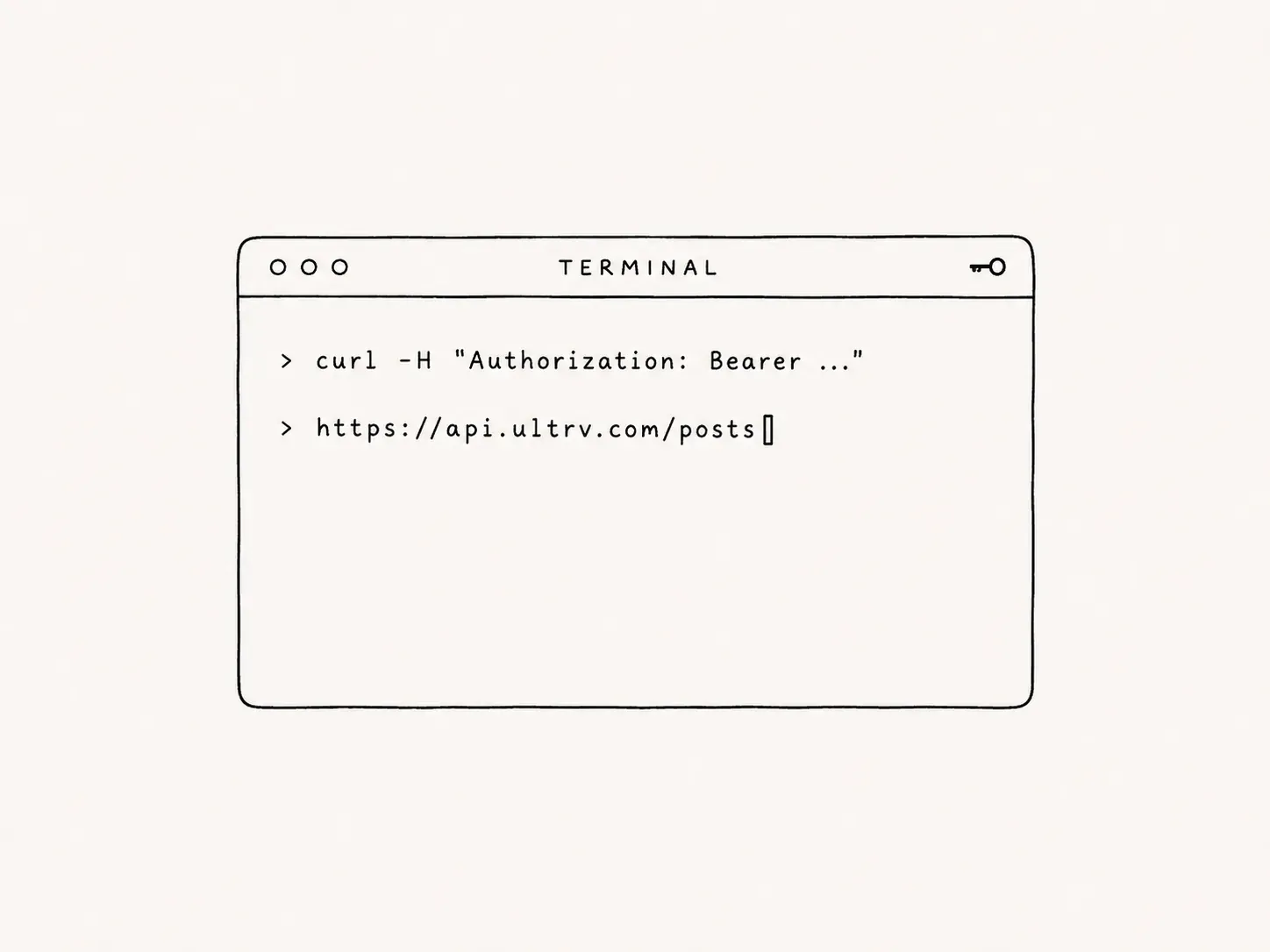
REST API
Bearer-token API for integrations, automation, and your own workflows. Read the API documentation →
Trust & maintenance
What runs in the background, and what deliberately doesn't.
-
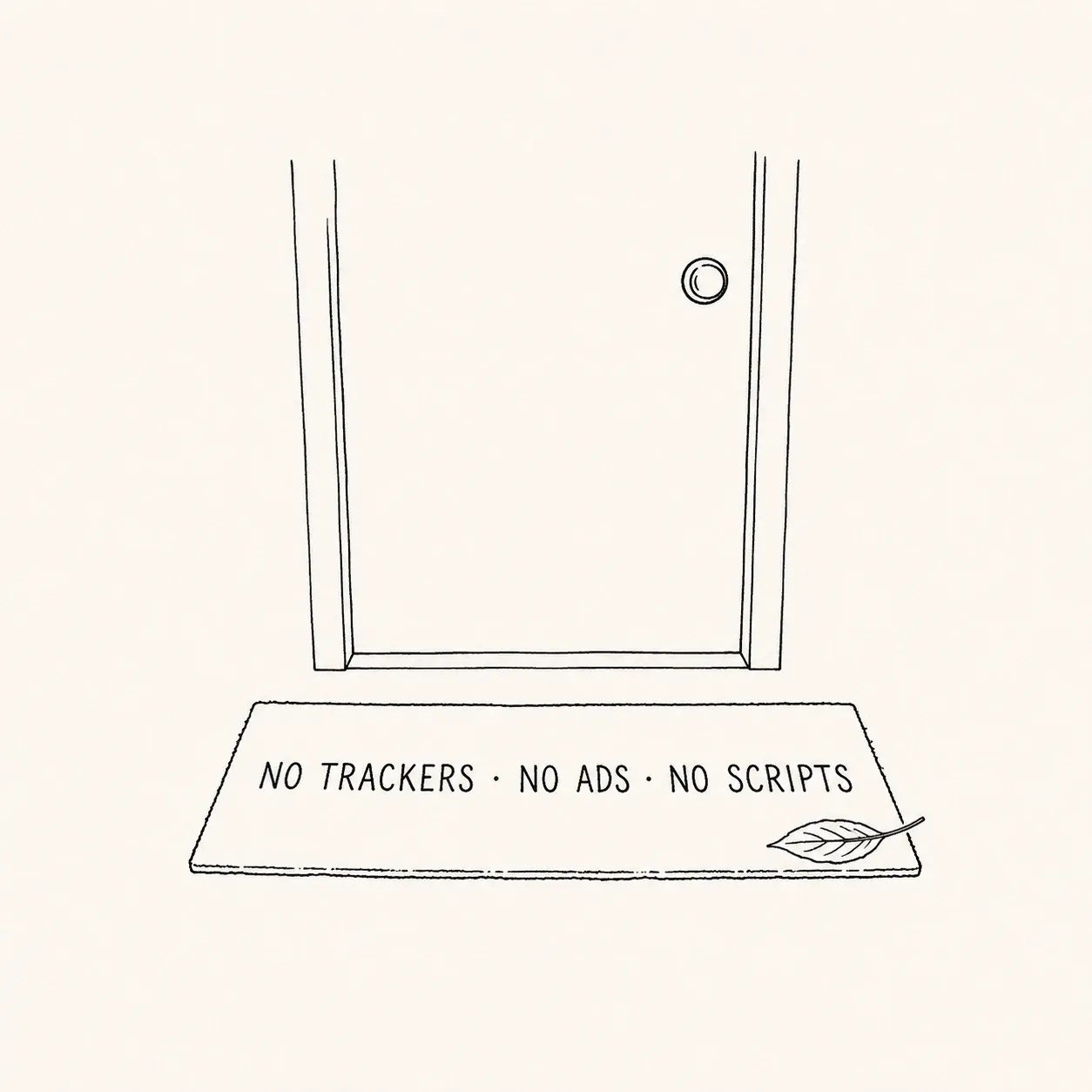
No trackers, no ads
No Google Analytics, no pixels, no third-party scripts. Just your words, your images, your domain. What we store, and what we don’t → -
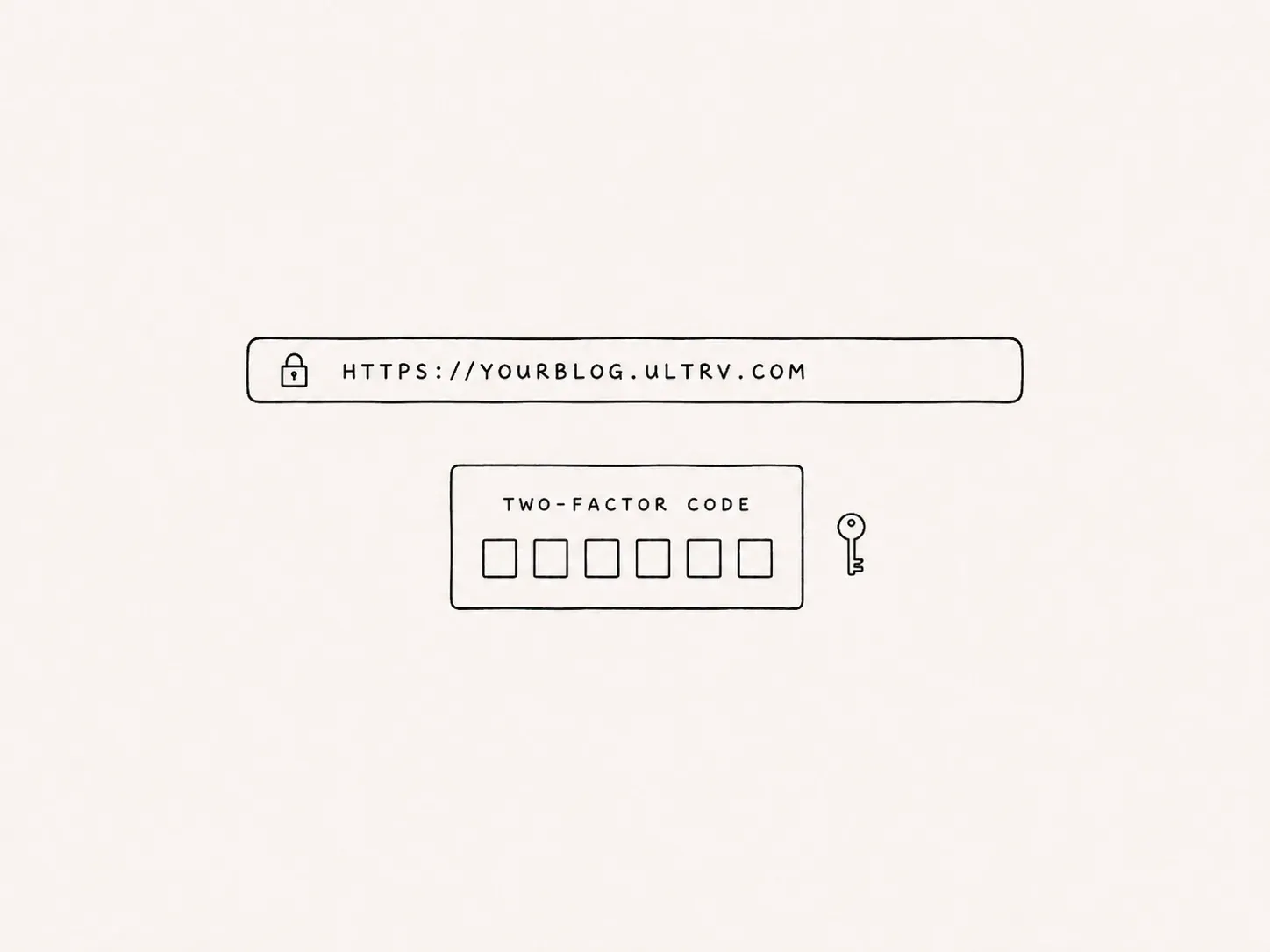
Secure by default
SSL on every blog. Two-factor authentication built in from day one. Locked down out of the box. -
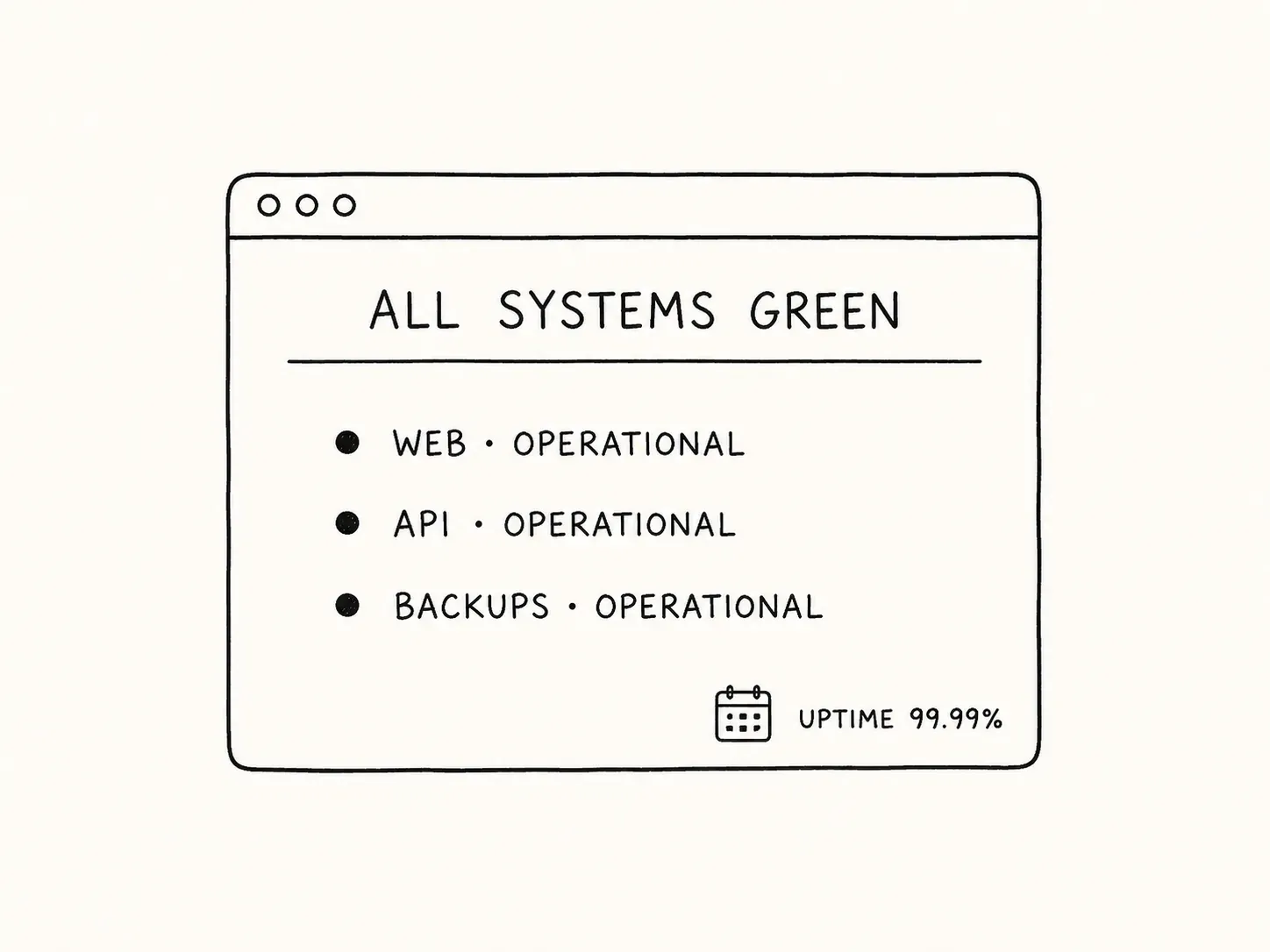
Fully maintained — zero upkeep
No servers to manage. No software to update. No security patches to worry about. We handle hosting, backups, SSL, and infrastructure. You write — we keep the lights on. Exporting everything you wrote → -
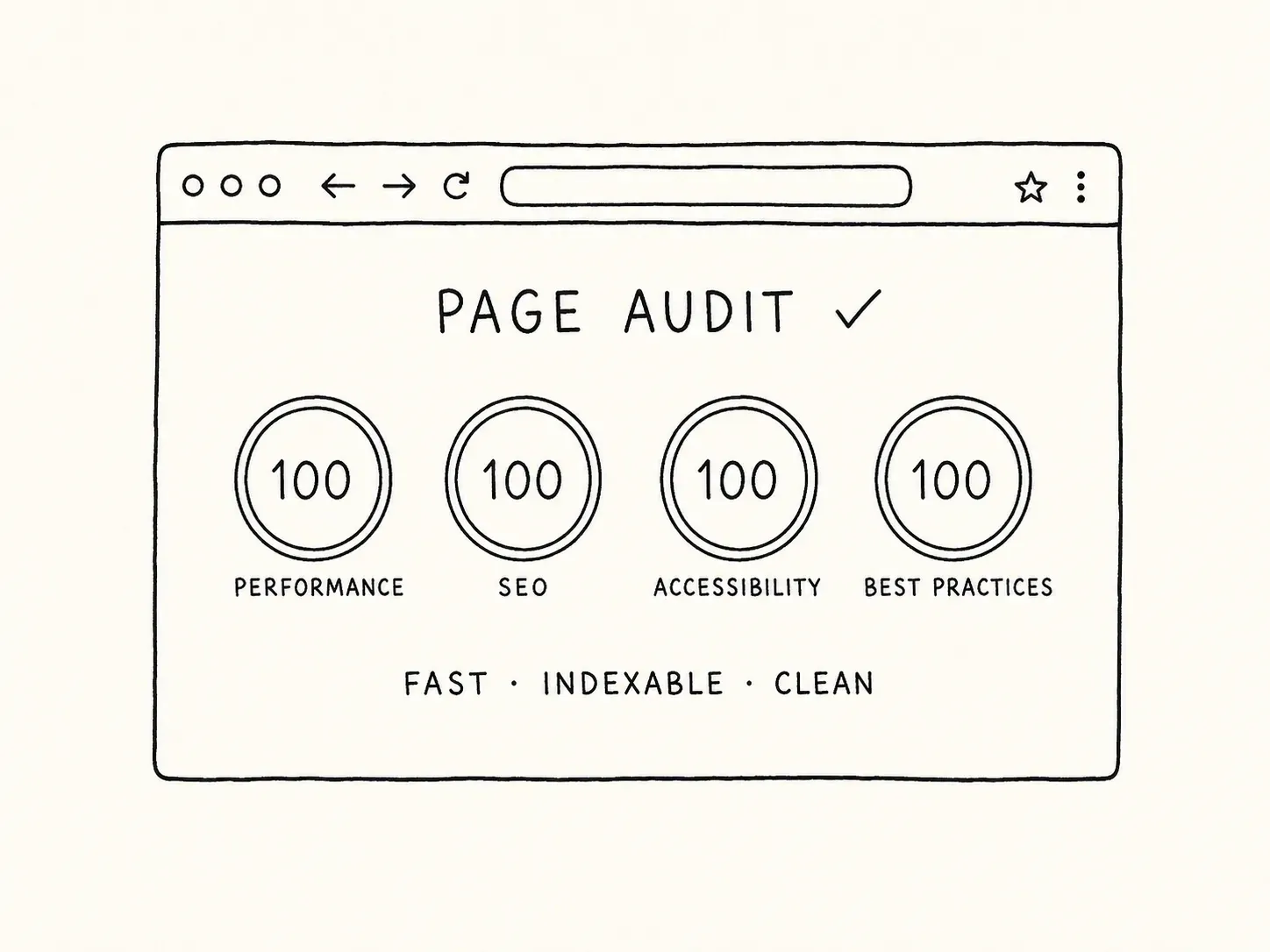
SEO out of the box
Custom meta titles, descriptions, social images. Canonical URLs, OpenGraph tags, and Twitter Cards on every page. -
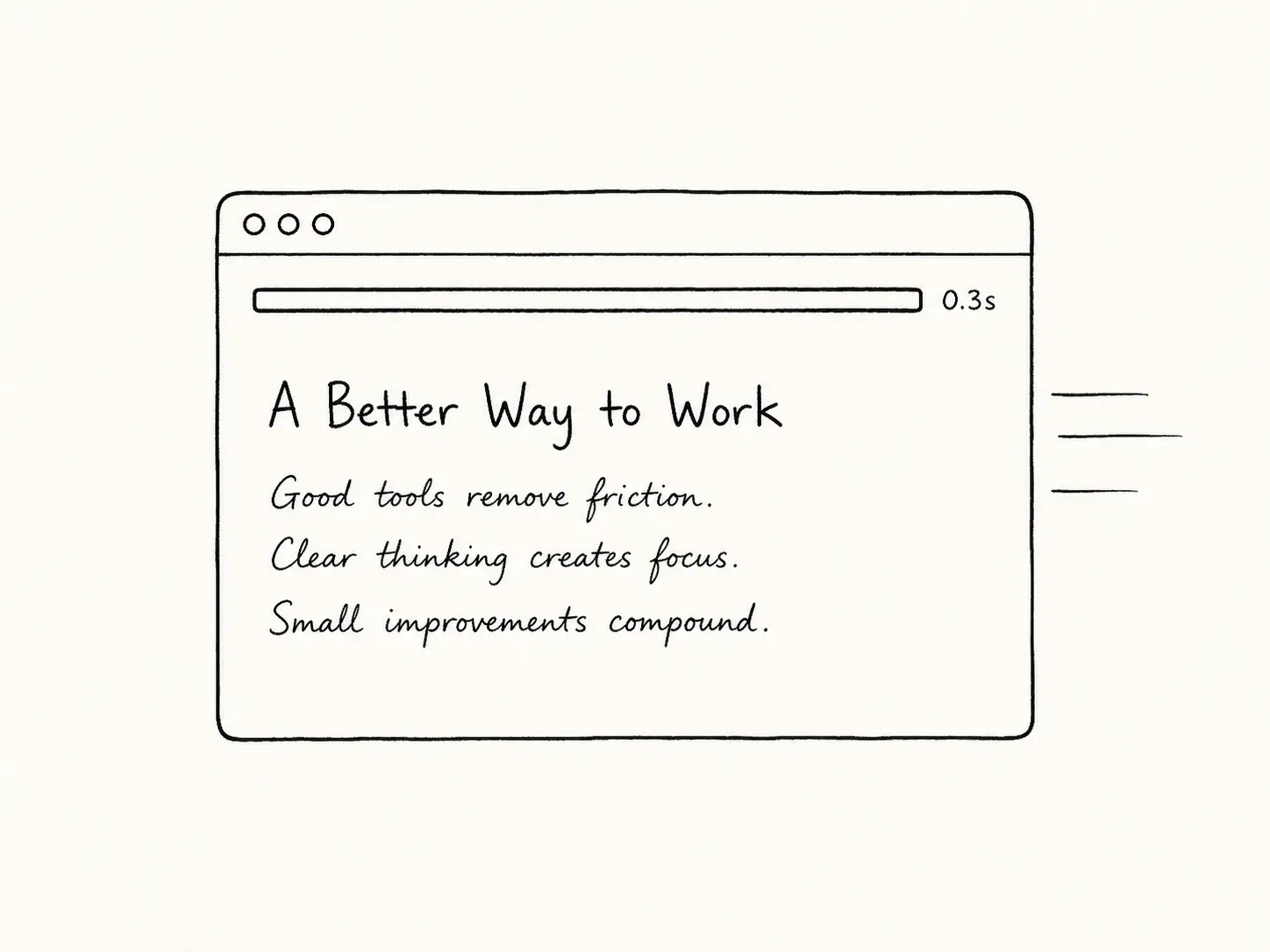
Blazing fast
Every page optimized for speed. Loads instantly on phone, tablet, or desktop. No bloat, no plugins slowing things down.
Already writing somewhere else? Import your existing blog, or start with the getting started guide.