Themes
Eighty-four of them. One click to switch, and your posts do not move.
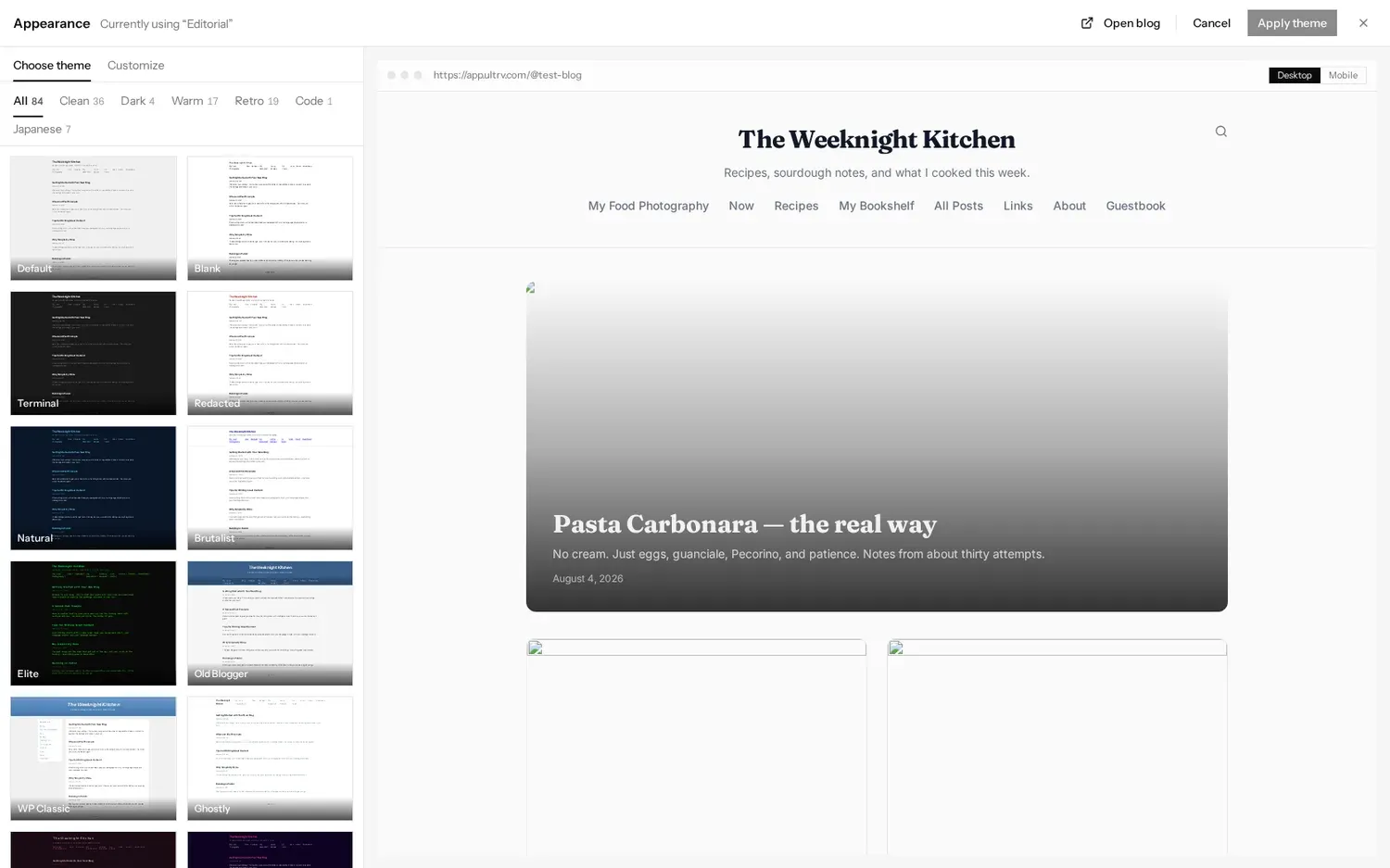
Every ULTRV blog can wear any of eighty-four themes, and they are all included on the free tier. They are grouped into six categories in the picker — Clean, Dark, Warm, Retro, Code, and Japanese — and the whole list is below. If you run several blogs from one account, each one picks its own.
How switching works
The picker sits at Settings, then Appearance. Pick a theme on the left and the panel on the right redraws your actual blog — your posts, your titles, your images — in that theme, not a generic sample. A Desktop and Mobile toggle shows both widths. Nothing is live until you press Apply theme, and Cancel leaves the blog exactly as it was.
Switching changes presentation only. Posts, pages, tags, images, URLs, and feeds are untouched, so trying a theme on a five-year-old archive costs nothing but a click. The design guide walks through the whole screen, including the parts below.
The full list
Clean — 36
Quiet layouts that get out of the way. Reading columns, hairline rules, one accent at most.
Default, Blank, Ghostly, Dispatch, Markdown, Editorial, Notebook, Natural, Stationery, Broadsheet, Manuscript, Swiss, Plain, Bulletin, Tufte, Magazine, Bento, Bauhaus, Arena, Linklog, Field Notes, Smolweb, Stacked, Callout, Mastodon, Bluesky, Blueprint, Hashnode, HEY World, Specimen, Wiki, Liner Notes, Contact Sheet, Patent, Ligne Claire, Concrete
Dark — 4
Light text on a dark ground, for people who write at night.
Terminal, Elite, Synthwave, IRC Log
Warm — 17
Paper, ink, and colour that has been left in the sun. Softer edges and older typefaces.
Velvet, Redacted, Dark Academia, Cottagecore, Mid-Century, Solarpunk, Light Academia, Garden, Eggbug, Scrapbook, Polaroid, Postcard, Herbarium, Letter, Card Catalog, Art Deco, Wabi-Sabi
Retro — 19
The web as it was, and the print it borrowed from. Loud on purpose.
Brutalist, Old Blogger, WP Classic, GeoCities, LiveJournal, MySpace, Xanga, Angelfire, Riso, Vaporwave, Memphis, Y2K, Tabloid, Tumblelog, phpBB, Funnies, Constructivist, Ransom Note, Pixel
Code — 1
Monospace throughout, with editor colour schemes — Dracula, Nord, Solarized, Monokai.
Syntax
Japanese — 7
Washi paper, sumi ink, woodblock and neon. Generous margins, small type.
Tegami, Washi, Neo-Tokyo, Mochi, Ukiyo-e, Kintsugi, Manga
A few worth naming. Tufte keeps a narrow reading column with a wide right gutter for dates, tags, and asides. Brutalist is plain HTML — serif type, blue links, no frills. GeoCities is blue on black with yellow links. Bauhaus puts primary red, yellow, and blue shapes on cream. Herbarium sets your posts as Victorian pressed-specimen sheets, italic Latin binomials and all. Terminal is dark grey with light text. None of these are skins on one layout; they change structure as well as colour.
Tuning a theme
The Customize tab beside the picker adjusts a theme without leaving it. Colour mode is Auto, Light, or Dark — Auto follows each visitor's own system preference. Many themes carry a small set of named colour palettes. Text size runs Small, Normal, Large, or X-Large and scales every reading element relative to the theme's baseline, so it works on all of them. Ten font pairings are available, from System Default through Clean Editorial, Artisan, Literary, and Technical.
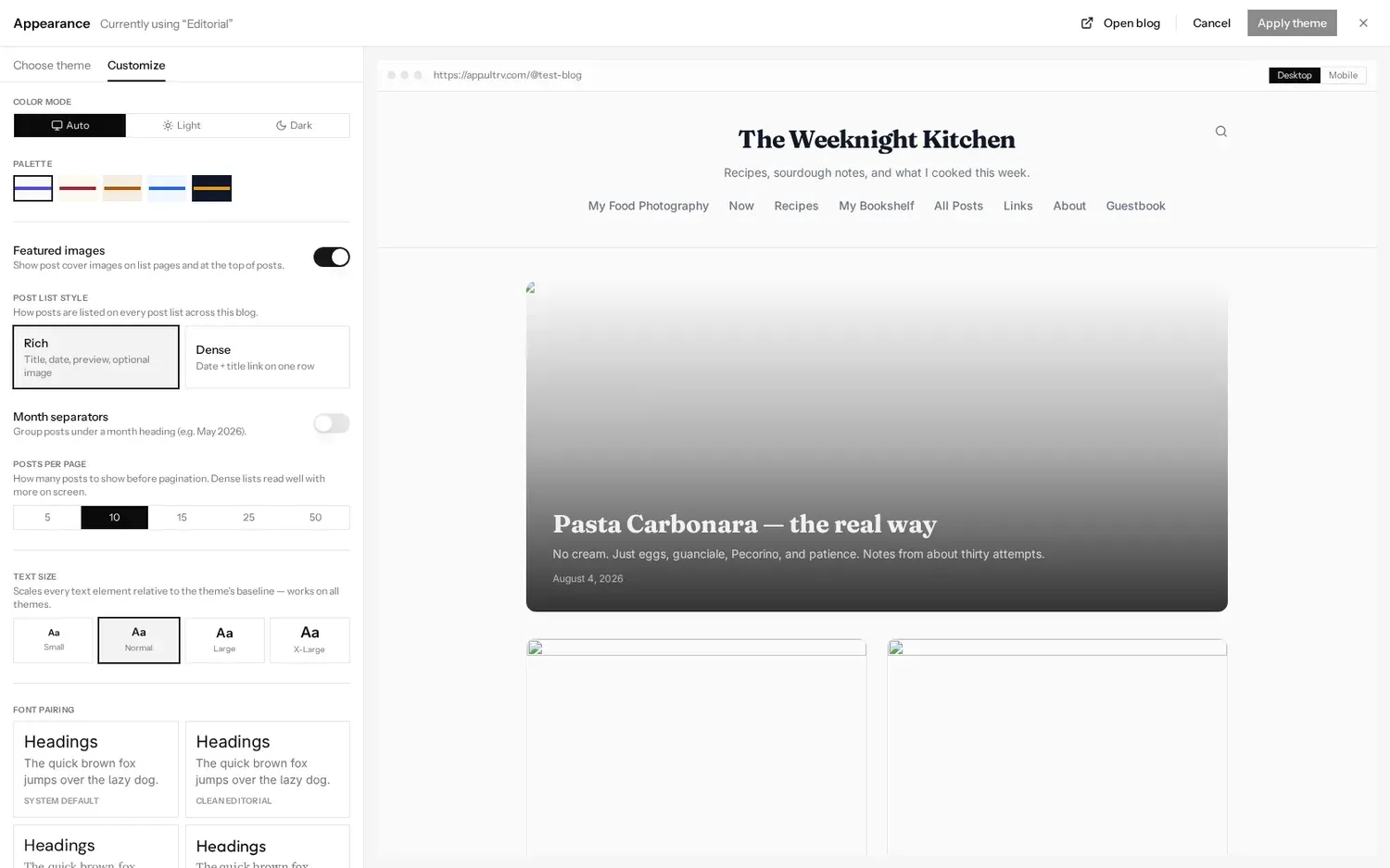
The same panel sets how a post list reads: Rich, with title, date, preview, and optional cover image, or Dense, a date and title link on one row. You can group posts under month headings, show or hide featured images, and choose how many posts appear before pagination.
What a reader sees
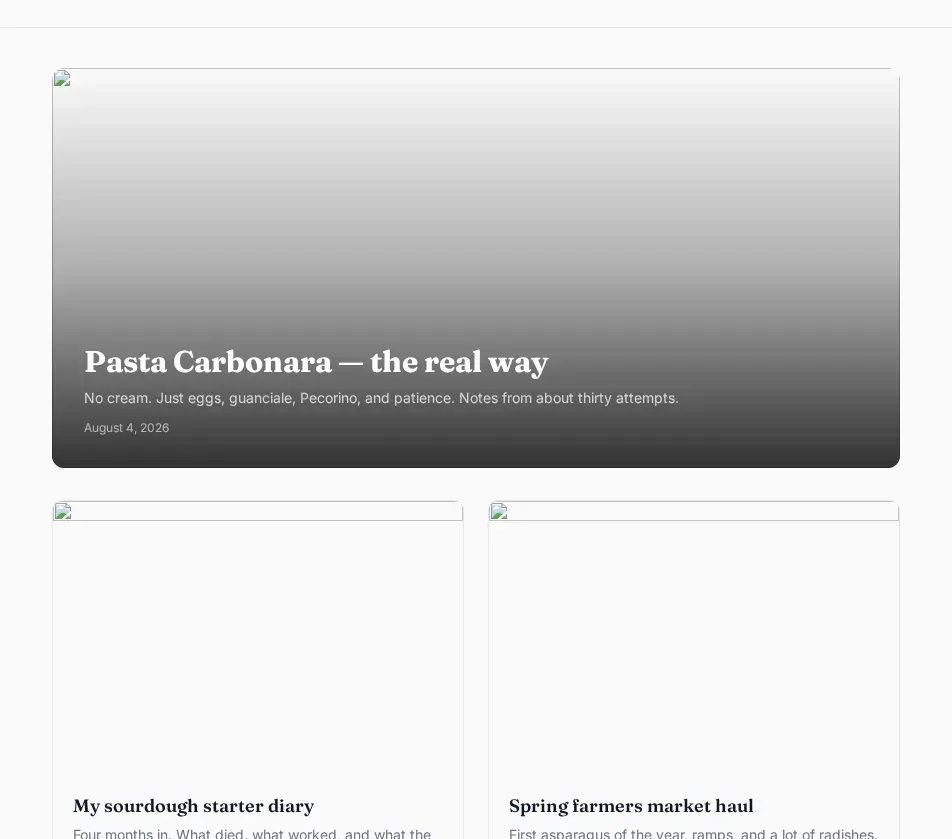
Whichever theme you land on, the page a reader gets carries no ads and no third-party trackers, and the blog keeps its RSS, Atom, and JSON feeds. For blogs people are actually writing on, in themes they chose themselves, the explore directory is the honest sample.
All eighty-four themes are on the free tier, no credit card required.